button控件
创建一个button控件,使用如下代码:
sgl_obj_t *button = sgl_button_create(NULL);
sgl_obj_set_pos(button, 250, 100);
sgl_obj_set_size(button, 100, 50);
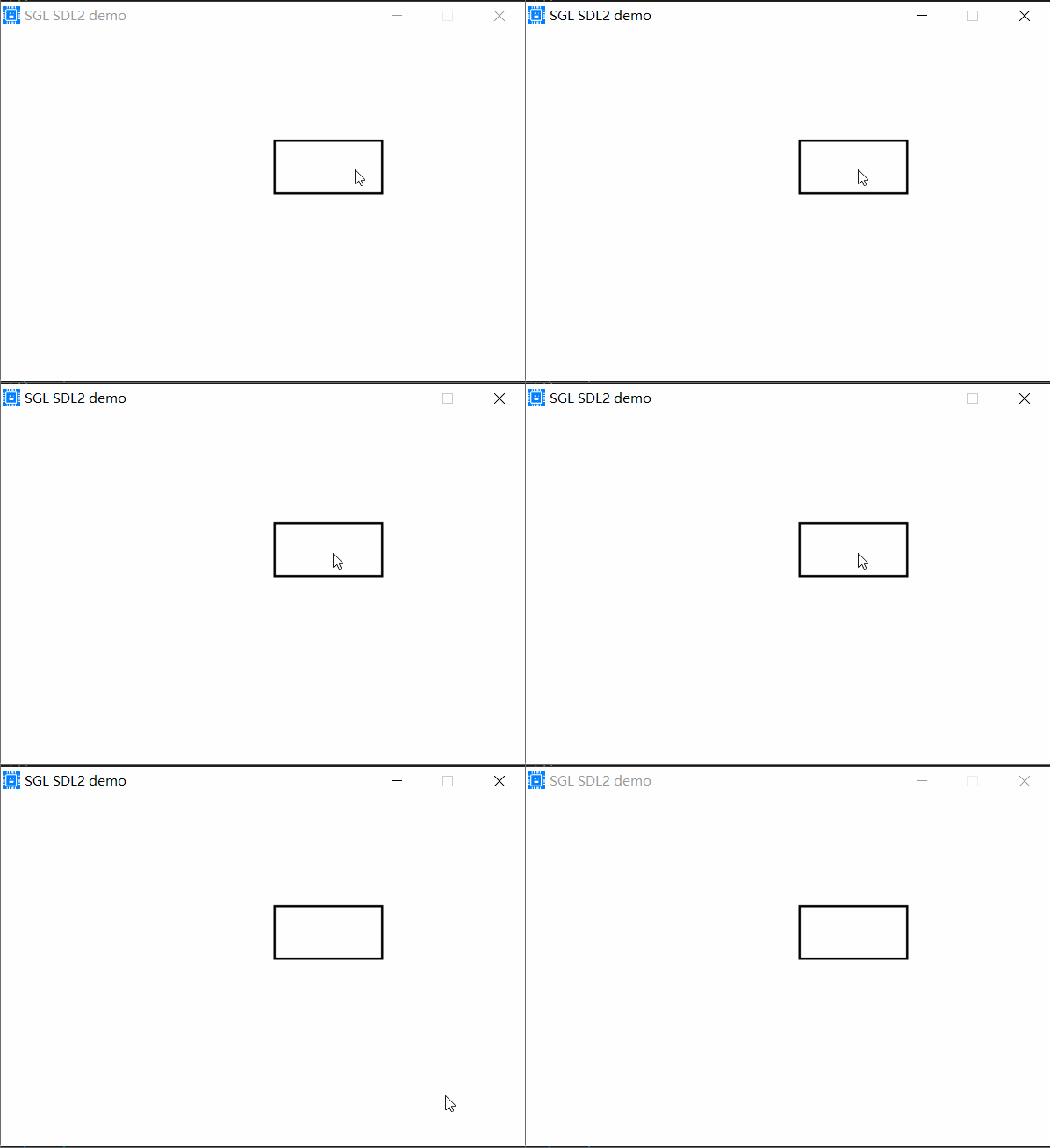
上面代码在默认的活动页面上创建了一个大小为100x50的Button控件,并设置其位置为250,100,效果如下:
设置Button的文本
使用sgl_button_set_text()函数设置Button的文本,如下:
sgl_obj_t *button = sgl_button_create(NULL);
sgl_obj_set_pos(button, 250, 100);
sgl_obj_set_size(button, 100, 50);
sgl_button_set_font(button, &consolas24);
sgl_button_set_text(button, "button");
危险
所有带有文本的控件,必须设置字体,否则系统会ASSERT,上面的sgl_button_set_font()函数就是设置Button的字体。
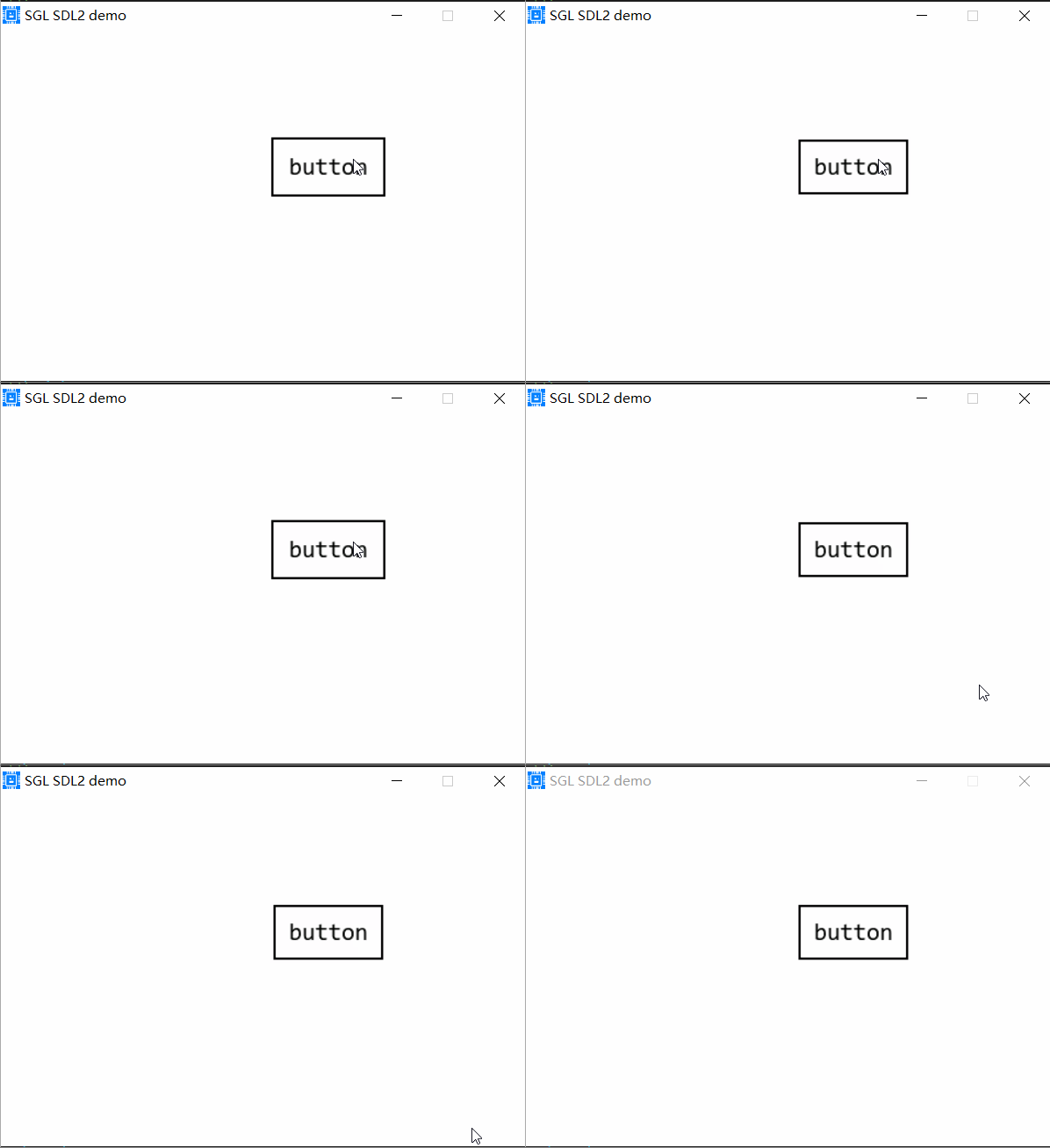
效果如下:
设置Button圆角
使用sgl_button_set_radius()函数设置Button的圆角,如下:
sgl_obj_t *button = sgl_button_create(NULL);
sgl_obj_set_pos(button, 250, 100);
sgl_obj_set_size(button, 100, 50);
sgl_button_set_font(button, &consolas24);
sgl_button_set_text(button, "button");
sgl_button_set_radius(button, 25);
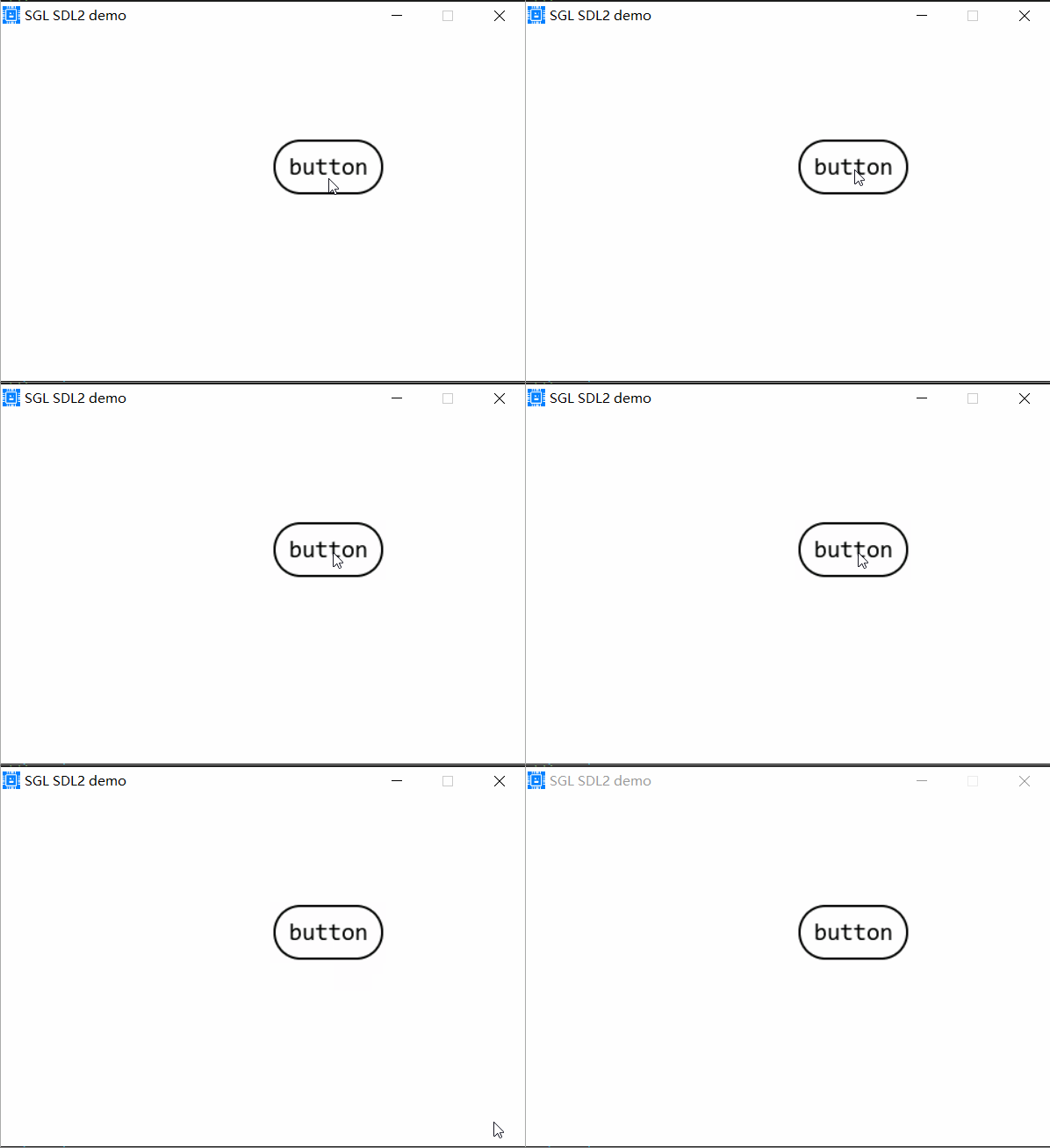
上面的代码中,sgl_button_set_radius()函数设置Button的圆角为25,效果如下:
设置Button颜色
使用sgl_button_set_color()函数设置Button的背景颜色,如下:
sgl_obj_t *button = sgl_button_create(NULL);
sgl_obj_set_pos(button, 250, 100);
sgl_obj_set_size(button, 100, 50);
sgl_button_set_font(button, &consolas24);
sgl_button_set_text(button, "button");
sgl_button_set_radius(button, 25);
sgl_button_set_color(button, SGL_COLOR_RED);
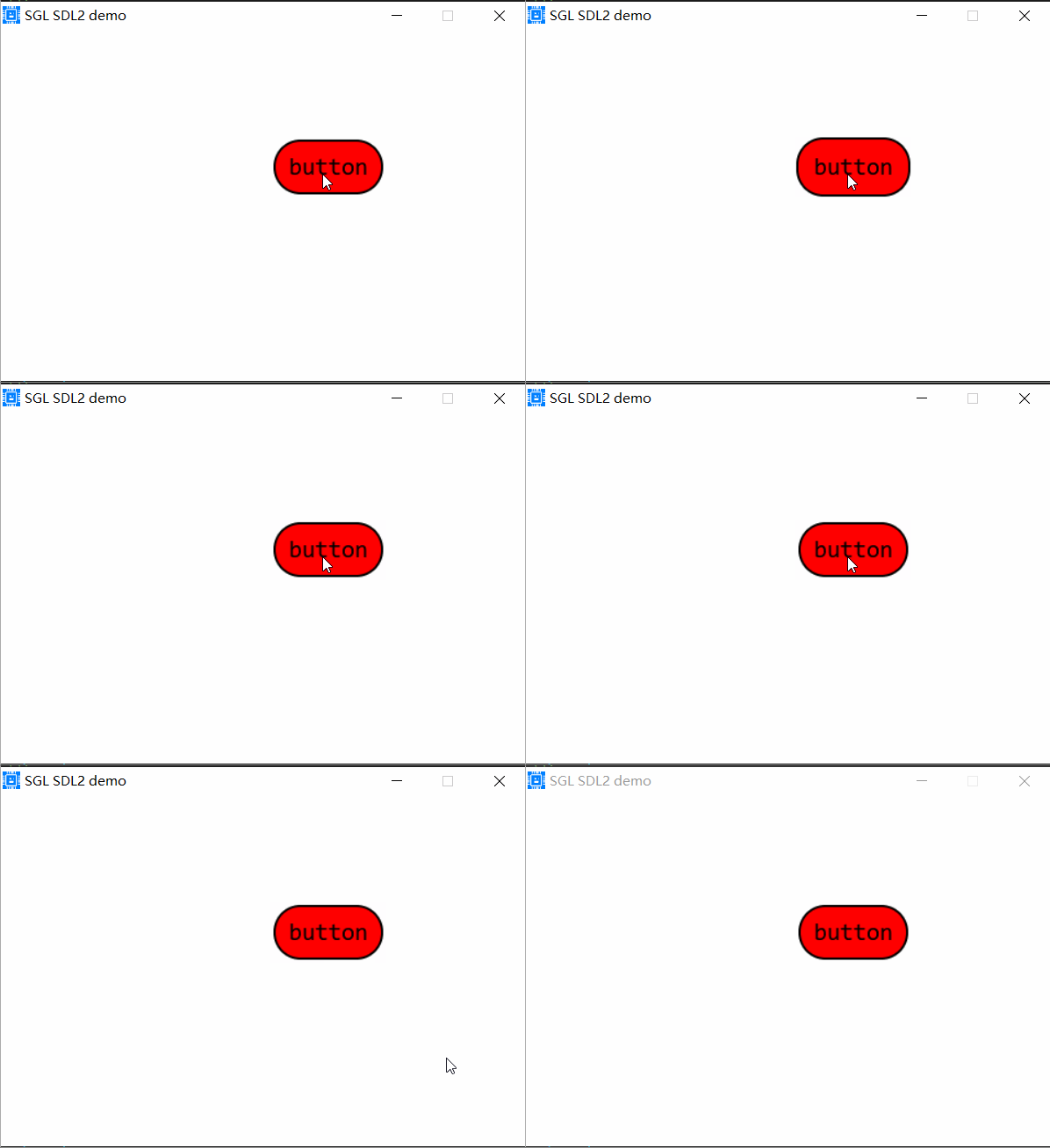
上面的代码中,sgl_button_set_color()函数设置Button的背景颜色为红色,效果如下:
设置Button边框大小和颜色
使用sgl_button_set_border_color()函数设置Button的边框颜色,使用sgl_button_set_border_width()函数设置Button的边框大小,如下:
sgl_obj_t *button = sgl_button_create(NULL);
sgl_obj_set_pos(button, 250, 100);
sgl_obj_set_size(button, 100, 50);
sgl_button_set_font(button, &consolas24);
sgl_button_set_text(button, "button");
sgl_button_set_radius(button, 25);
sgl_button_set_color(button, SGL_COLOR_RED);
sgl_button_set_border_color(button, SGL_COLOR_BLUE);
sgl_button_set_border_width(button, 2);
小技巧
sgl的默认主题中,控件的边框大小是2,颜色是黑色,如果你想设置无边框,可以使用如下方法: 方法1:使用sgl_button_set_border_width(button, 0);设置边框为0 方法2:在source/include/sgl_theme.h文件中将SGL_THEME_BORDER_WIDTH定义为0
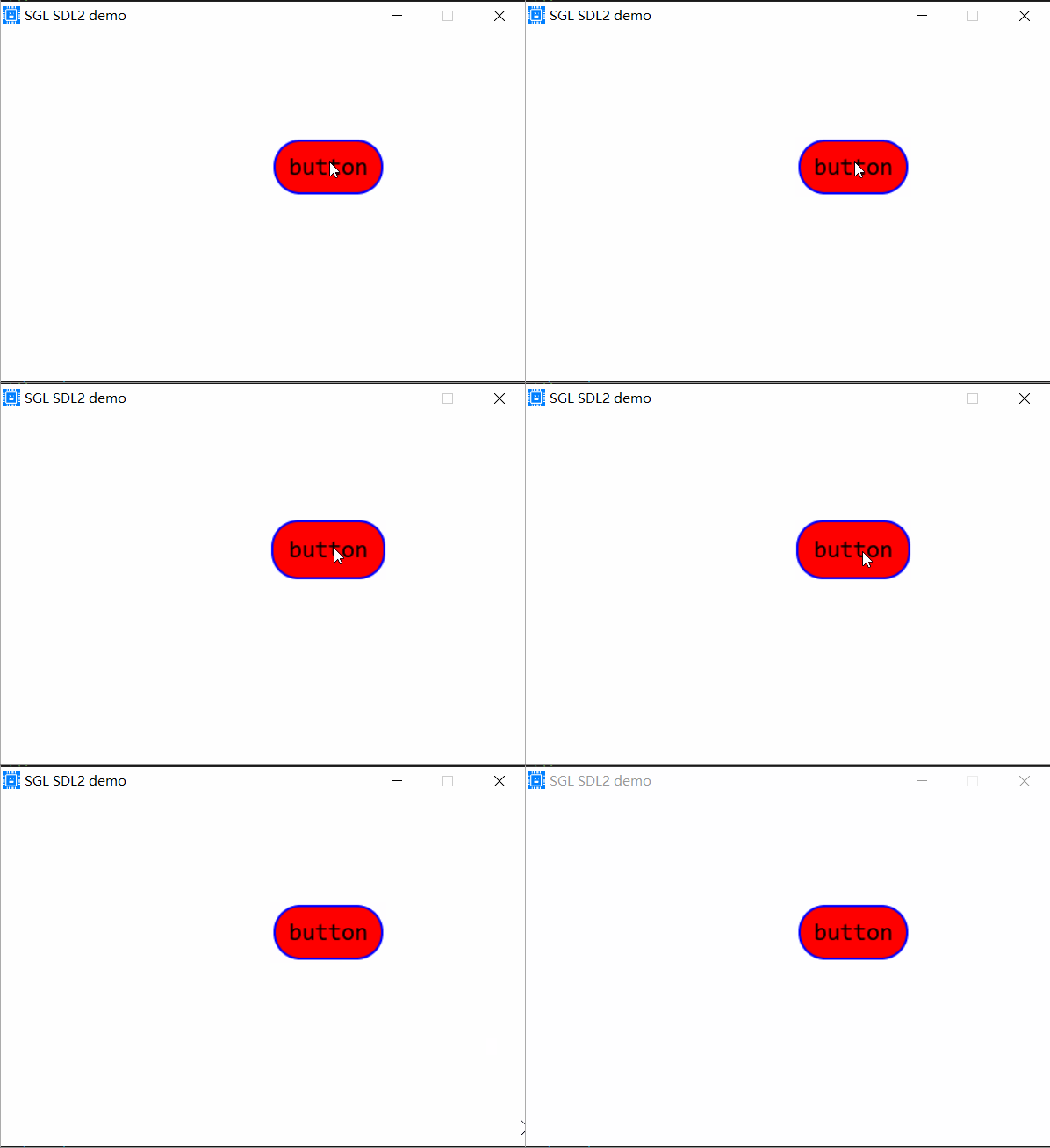
上面的代码中,sgl_button_set_border_color()函数设置Button的边框颜色为蓝色,sgl_button_set_border_width()函数设置Button的边框大小为2,效果如下:
添加Button点击事件
使用sgl_obj_set_event_cb函数来设置Button的事件处理函数,如下:
void button_event_cb(sgl_event_t *event)
{
    switch(event->type)
    {
    case SGL_EVENT_PRESSED:
        SGL_LOG_INFO("button_event_cb: SGL_EVENT_PRESSED\n");
        break;
    case SGL_EVENT_RELEASED:
        SGL_LOG_INFO("button_event_cb: SGL_EVENT_RELEASED\n");
        break;
    }
}
...
sgl_obj_t *button = sgl_button_create(NULL);
sgl_obj_set_pos(button, 250, 100);
sgl_obj_set_size(button, 100, 50);
sgl_button_set_font(button, &consolas24);
sgl_button_set_text(button, "button");
sgl_button_set_radius(button, 25);
sgl_button_set_color(button, SGL_COLOR_RED);
sgl_button_set_border_color(button, SGL_COLOR_BLUE);
sgl_button_set_border_width(button, 2);
sgl_obj_set_event_cb(button, button_event_cb, 0);
上面的代码中,sgl_obj_set_event_cb()函数设置Button的事件处理函数为button_event_cb()。
设置Button背景图片
使用sgl_button_set_pixmap来设置Button的背景图片,如下:
/* 使用图片取模工具生成图片的像素数据 */
extern const sgl_pixmap_t pic1_pixmap;

sgl_obj_t *button = sgl_button_create(NULL);
sgl_obj_set_pos(button, 250, 100);
sgl_obj_set_size(button, 100, 50);
sgl_button_set_font(button, &consolas24);
sgl_button_set_text(button, "button");
sgl_button_set_radius(button, 25);
sgl_button_set_color(button, SGL_COLOR_RED);
sgl_button_set_border_color(button, SGL_COLOR_BLUE);
sgl_button_set_border_width(button, 2);
sgl_obj_set_event_cb(button, button_event_cb, 0);
sgl_button_set_pixmap(button, &pic1_pixmap);
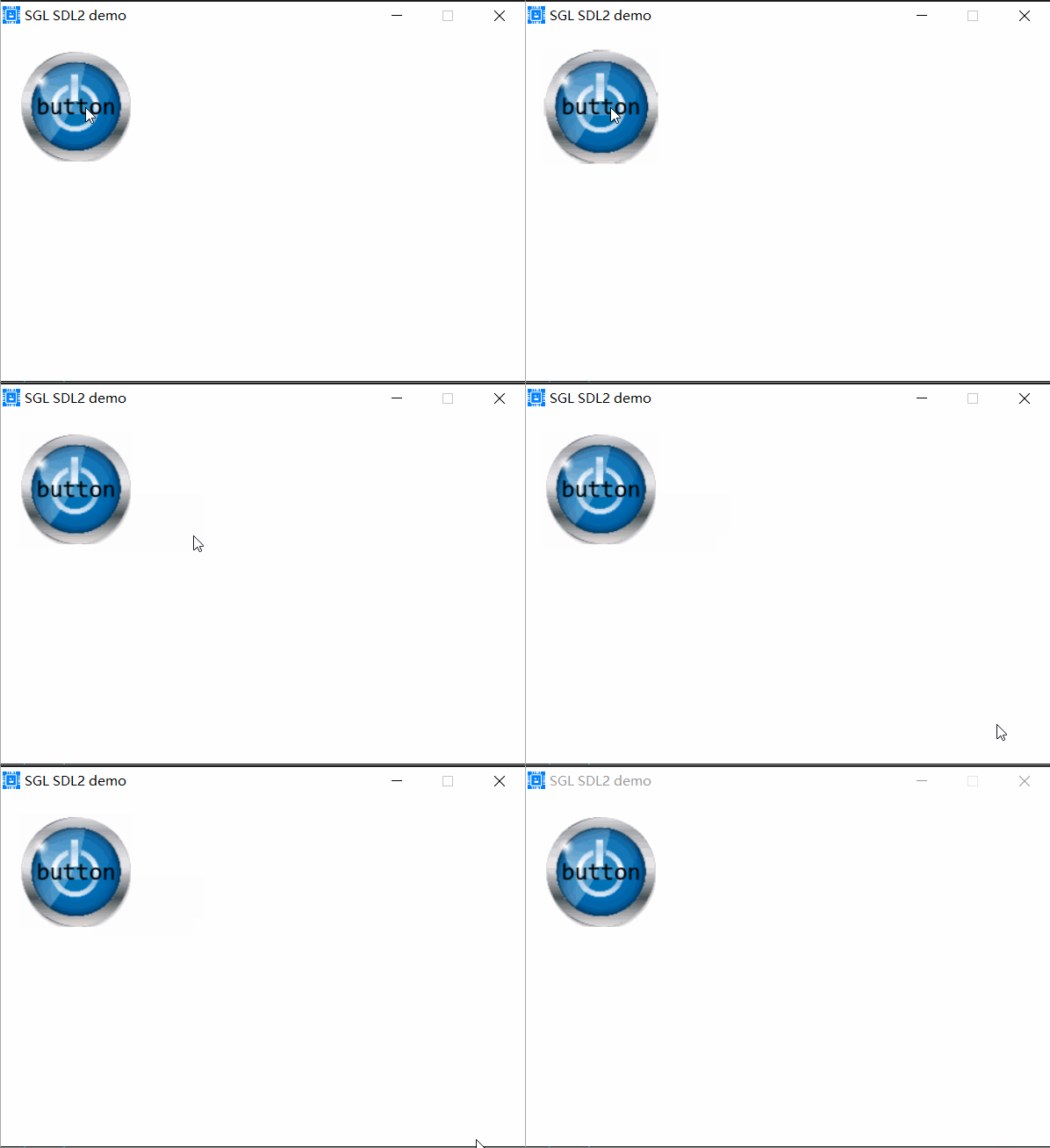
上面的代码中,sgl_button_set_pixmap()函数设置Button的背景图片为pic1_pixmap,pic1_pixmap是一个图片像素数据,可以使用图片取模工具生,效果如下: